
From announcement to baby photos
Here's exactly what happens on CritterPosts.ca when a breeder announces an upcoming litter (puppies, kittens, kits…) or clutch (chicks, hatchlings…): who gets told, when, and what lands in their inbox — right up to the newborn photo emails.
Each step is tagged so you can follow your side of the journey.
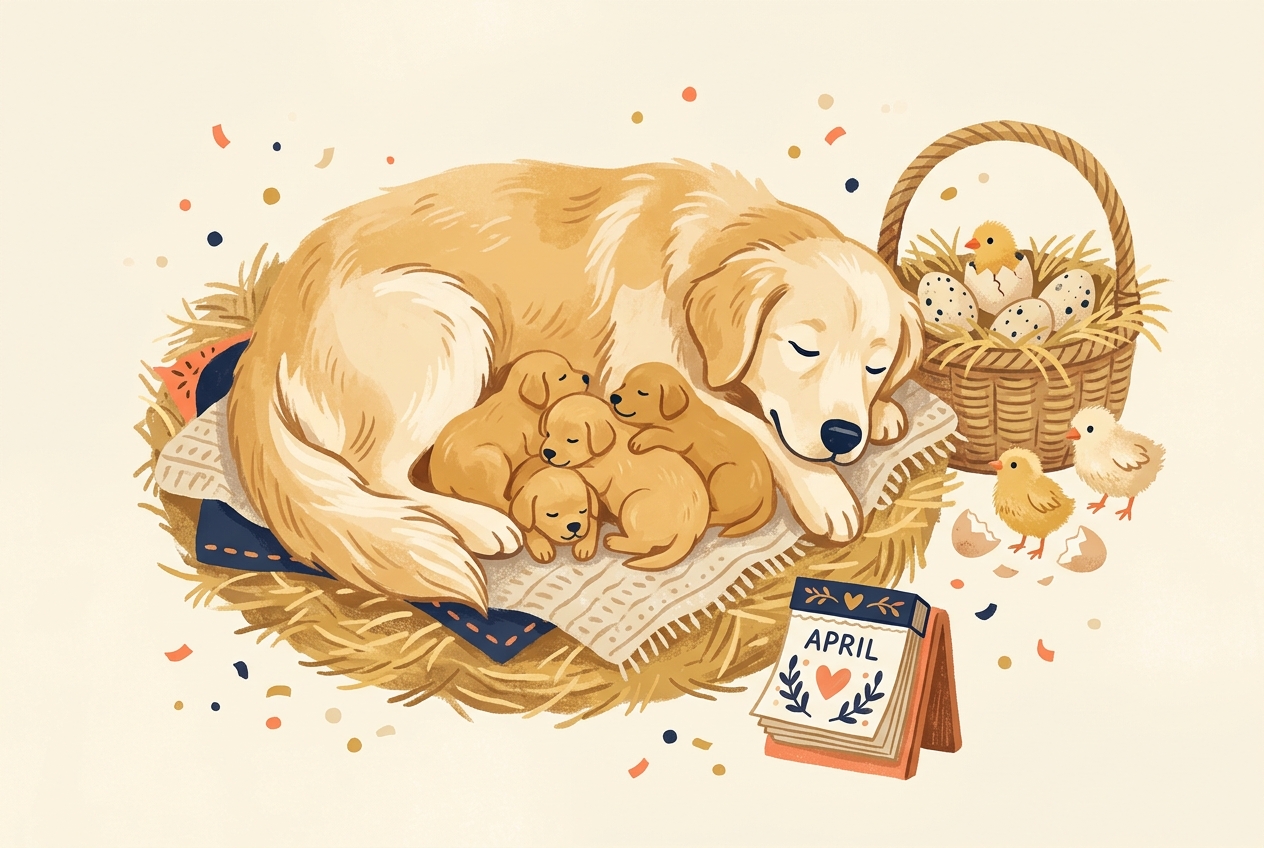
Announce the litter or clutch
From Dashboard → Litters, the breeder taps “Announce a litter or clutch” and fills in a short form. Pick the species and CritterPosts automatically labels it a litter (live births) or a clutch (eggs).
- Species, breed and an optional title (e.g. “Spring litter — Sunny × Pearl”)
- Expected due/birth date — or hatch date for a clutch
- Expected count, “ready to go home” date and a price/deposit note
- Cover photo of the parents, plus a waitlist on/off switch and an optional cap
- Who can post is set by the site: Verified Breeders only, or all members

Example
Species
Breed
Due / birth date
Expected count
Price note
The right people hear about it — instantly
The moment it's saved, the announcement goes live and three groups are reached without the breeder lifting a finger.
- Followers of the breeder get a “New litter announced” email with a “See it & join the waitlist” button
- Shoppers with a matching Litter Alert (breed or species, optionally their province) get an alert email
- It appears on the Upcoming Litters page, the homepage strip and the breeder's profile, with a “Due in X days” countdown
- A Facebook-ready share card (with the site watermark) is created for the breeder to post

Example
Dog
Golden Retriever litter
4 on waitlist · 6–8 expected
CritterPosts.ca
Subject: New litter announced: Golden Retriever — Sunny Acres

Hi Maya,
Sunny Acres just announced a new litter: Golden Retriever litter. Expected: Jul 14, 2026
Shoppers join the waitlist in one tap
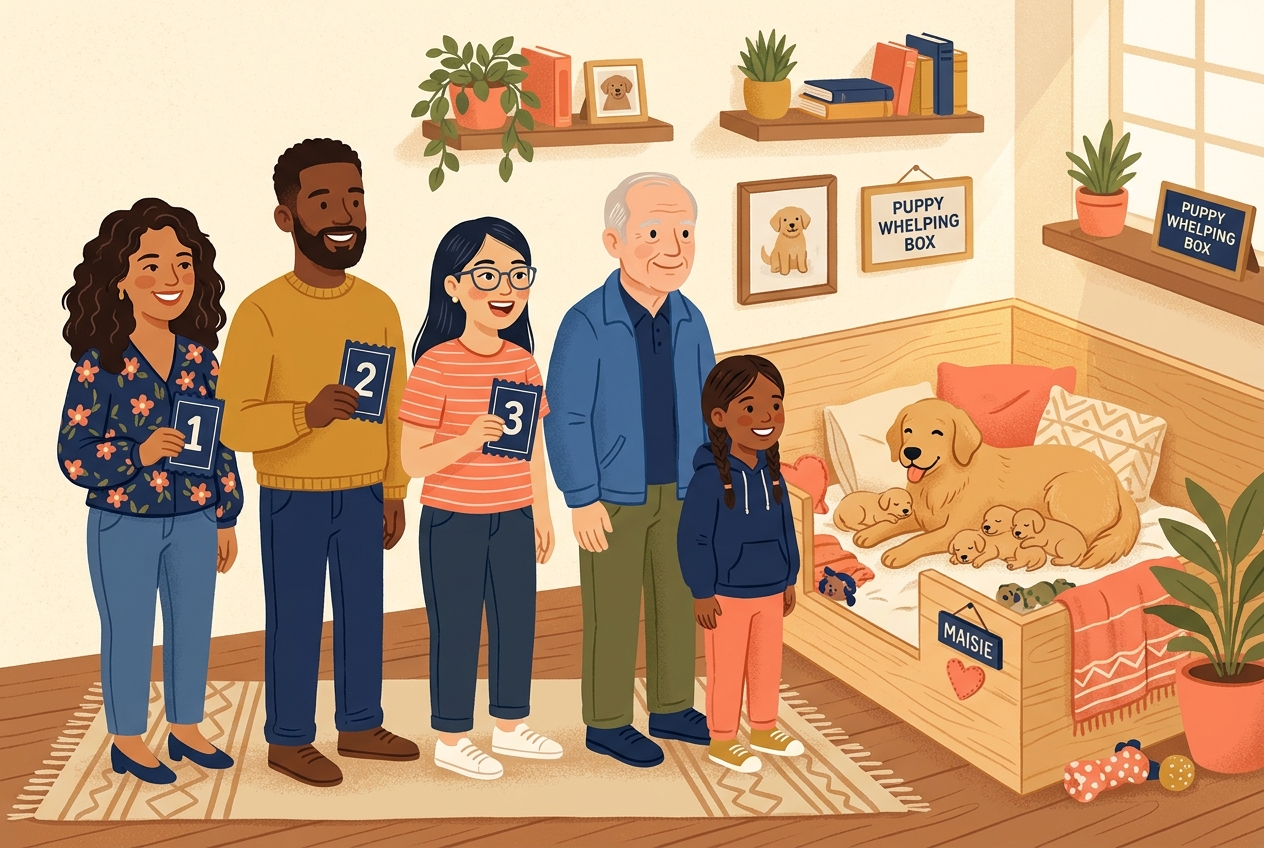
Signed-in members tap “Join waitlist” right on the card or the breeder's profile. They instantly see their place in line, and can leave again any time.
- Optional preference (e.g. “female, cream”) and a note for the breeder
- Position is first-come, first-served: “On waitlist · #3”
- The breeder gets a “New waitlist sign-up” email with the name, position and preference — replying goes straight to the shopper
- Shoppers track every waitlist they're on in Dashboard → Saved → My waitlists
Example
Dog
Golden Retriever litter
4 on waitlist · 6–8 expected
CritterPosts.ca
Subject: New waitlist sign-up: Golden Retriever litter
Someone just joined the waitlist for your Golden Retriever litter. They are #5 on the list.
NameMaya L.
PreferenceFemale, cream
The breeder manages the line
Every sign-up lands in the breeder's waitlist manager, in order, with simple tick-boxes to keep track.
- Mark people as contacted, reserved (with a deposit note) or gone home
- Message the whole waitlist at once using quick templates (Ready for visits, Pick day, Deposit reminder…)
- Export the list to a spreadsheet (CSV)
- Optional “Boost” to get more eyes on a litter that's still filling up
Example
| # | Name | Preference | Status |
|---|---|---|---|
| 1 | Jordan P. | Male | Reserved |
| 2 | Amélie R. | Any | Contacted |
| 3 | Sam K. | Female | Contacted |
| 4 | Priya D. | Female, light | New |
| 5 | Maya L. | Female, cream | New |
Babies early or late? Move the date
Nature rarely follows the calendar. The breeder can change the due or hatch date any time, and choose to let the waitlist know with an optional personal note.
- The message says whether the date moved earlier or later, from and to which date
- Delivered as an in-site message and an email to everyone on the waitlist
- Setting a future date puts an auto-arrived litter back to “Upcoming”
Example
Sunny Acres
[Waitlist · Golden Retriever litter]
Update on the Golden Retriever litter: the due date has moved earlier, from July 14, 2026 to July 9, 2026.
Mom is doing great — we'll keep you posted!
They're here! Arrival announcement
When the breeder switches the status to Arrived — or automatically, on the morning of the due date (9am Toronto time) — the card flips to a green “Arrived” badge and the good news goes out.
- Everyone on the waitlist gets an in-site message and an email announcing the good news
- Clutches say “hatched” instead of “arrived”
- Followers of the breeder get a “born / hatched” email too
- Sent only once per litter, so nobody is spammed if the status is toggled
Example
Before
Dog
Golden Retriever litter
4 on waitlist · 6–8 expected
After
Dog
Golden Retriever litter
4 on waitlist · 6–8 expected
Sunny Acres
[Waitlist · Golden Retriever litter]
Great news! The Golden Retriever litter has arrived. You're on the waitlist, so you're among the first to know.
Post newborn photo updates
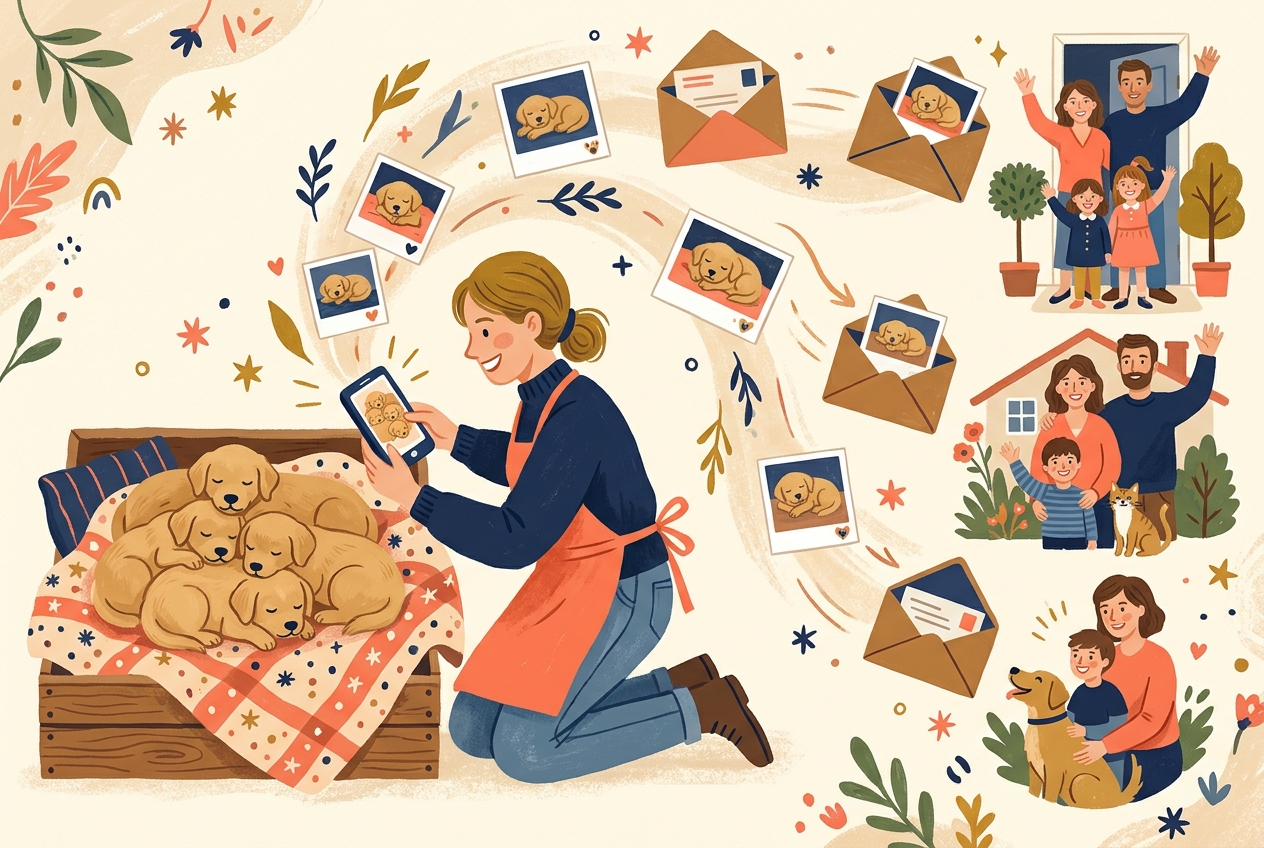
From the litter's Updates panel, the breeder adds up to 6 photos and a few words, then ticks “Also send to my waitlist”.
- The update is posted on the breeder's profile, where followers can heart and comment
- With the tick-box on, it's delivered straight to each waitlist member
- Photos get the CritterPosts watermark when watermarking is turned on
Example


4 / 6 photos
Baby photos land in every inbox
Each waitlist member receives the update twice — so they never miss it.
- An in-site message in their CritterPosts inbox, with the photos attached
- An email titled “Update from [breeder]: [breed] litter” showing a photo grid, the message and a “Reply on CritterPosts” button
- Replying to the email goes directly to the breeder
- Members the breeder has blocked (or who blocked them) are skipped
Example
CritterPosts.ca
Subject: Update from Sunny Acres: Golden Retriever litter
Hi Maya,
Sunny Acres sent a message to everyone on the waitlist for Golden Retriever litter:
You get this because you joined this waitlist. You can also reply to this email.
Sunny Acres
[Waitlist · Golden Retriever litter]
Day 3 — all six are eating well and already chubby!
Reply on CritterPosts
Visits, pickup and going home
As the babies grow, the breeder can add baby profiles and offer visit or pickup times that waitlist members book in a tap. Once a family's baby is marked “gone home”, they can leave the breeder a verified review.
Good to know
Up to 12 open litters
Each breeder can run up to 12 open litters and clutches at once.
5 waitlist messages a day
Messages, date-change notices and photo updates share a limit of 5 per litter per day — no inbox flooding.
Up to 6 photos per update
Photos are compressed for fast email loading and stamped with the site watermark if enabled.
Arrival is announced once
Whether set by the breeder or by the due date, the arrival notice goes out a single time.
Shoppers stay in control
Leave a waitlist, unfollow a breeder or turn off Litter Alerts any time from the dashboard.
Private by default
A shopper's email is only shared with the breeder whose waitlist they join.
Questions
Ready to start your litter journey?